Quick answer
Set up your SafeTrack Wallet in about ten minutes: put your two or three most-used cards in the slide section, the rest of your cards and cash in the back, then fit your AirTag into the built-in slot and pair it with your iPhone. In Find My, name it “Wallet” and turn on Notify When Left Behind. Test the slide lever a few times and make one practice run of the alert. After that, there is almost nothing to maintain — a wipe now and then, and an AirTag battery swap roughly once a year.
The box is open, the carbon fiber shell is in your hand, and your old wallet is sitting next to it, stuffed with receipts. This is the best moment to do the switch properly, because how you load the wallet on day one decides how much you will enjoy it every day after. This guide walks you through the first day in the right order, then shows how to make the wallet part of your routine during the first week. It is written for the SafeTrack Wallet we reviewed, but most tips apply to any slim card wallet with an AirTag slot.
Step 1: Empty the old wallet and sort what you actually carry
Before anything goes into the new wallet, lay everything from the old one on the table and sort it into three piles:
- Daily: the card you pay with most, your driver's license or ID, and maybe a transit or work badge.
- Weekly: a backup credit card, insurance card, a membership card you use often.
- Leave at home: old receipts, expired cards, loyalty cards you can keep in your phone. Our what to keep in your wallet checklist helps with the tough calls.
The maker states the SafeTrack Wallet holds 1 to 14 cards or IDs plus up to 20 bills. You do not need to fill it: a lighter load keeps it slim and makes the slide lever smoother.
Step 2: Load the slide section with your most-used cards
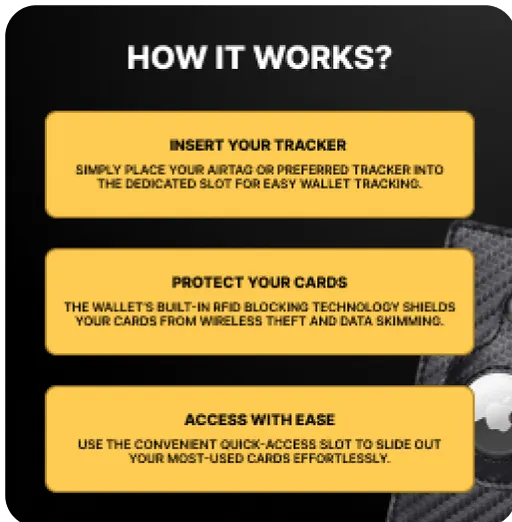
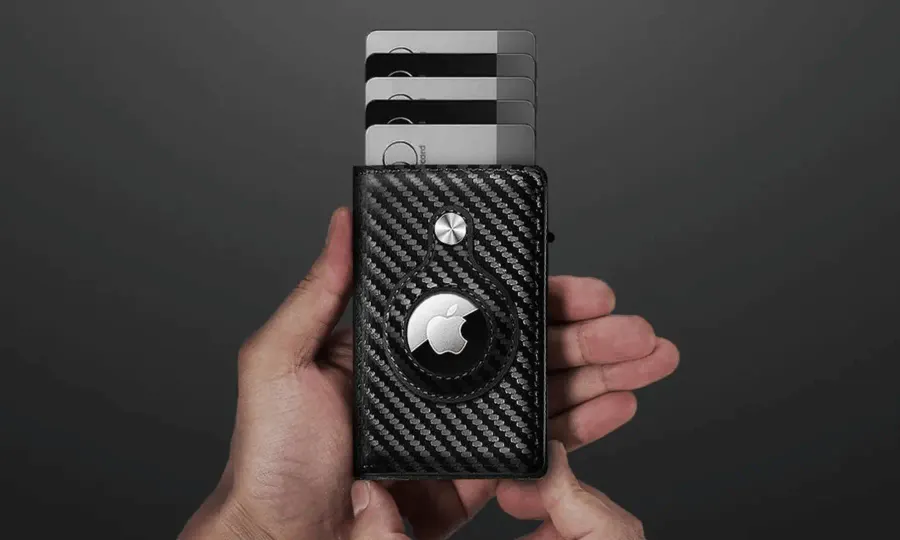
The slide-to-access lever fans your cards out in a stagger with one push. Put your two or three most-used cards here, in the order you reach for them — for most people that is the main payment card first, then ID. Push the lever a few times to get a feel for it; within a day it becomes muscle memory.
Step 3: Cash and extra cards go in the back
The expandable back section holds folded bills and the weekly cards. Fold bills once and keep the stack modest; overfilling any slim wallet makes it bulge and wears the band faster. Since the whole shell blocks RFID, your contactless cards are shielded wherever they sit.
If the AirTag ever stops updating later on, we cover every fix in AirTag in your wallet not updating in Find My? 8 common causes.
Step 4: Fit and pair your AirTag
The AirTag is sold separately by Apple. If you are using one you already own, you can skip pairing; if it is new:
- Pull the battery tab and hold the AirTag next to your unlocked iPhone.
- Tap Connect when the prompt appears and follow the steps.
- Name it “Wallet” so it is easy to spot on the map.
- Press it into the wallet's built-in AirTag slot, where it sits flush instead of bulging.
Step 5: Turn on the one setting that matters most
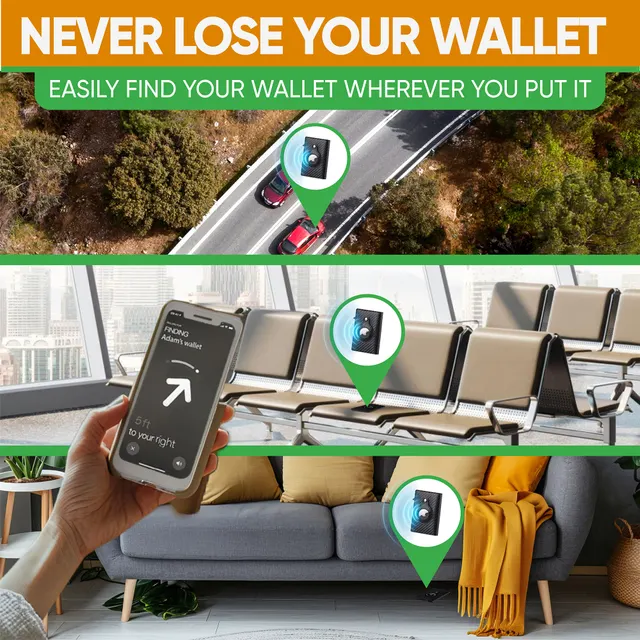
Open Find My, tap your AirTag and enable Notify When Left Behind. Your iPhone will now alert you when you walk away from the wallet — at the café table, in the gym locker room or on the back seat of a rideshare. You can add trusted locations, such as home, where you do not need alerts.
Step 6: Do two quick tests
- Sound test: leave the wallet in another room and play a sound from Find My. Now you know what it sounds like in a jacket pocket.
- Alert test: leave the wallet at home and walk to the mailbox. When the notification arrives, you are done.
Your first week: making it a habit
| Day | What to do | Why it helps |
|---|---|---|
| Day 1 | Load, pair, turn on alerts, test | Everything works before you rely on it |
| Days 2–3 | Use the slide lever at every purchase | Builds the one-push habit |
| Days 3–5 | Pick one pocket for the wallet and stick to it | A fixed pocket means a fixed check: phone, keys, wallet |
| Day 7 | Re-sort: move anything you did not touch to the back or home | Keeps it slim for the long run |
Most people choose the front pocket. It is more comfortable for a rigid wallet and harder for pickpockets — we compared both in front pocket vs. back pocket wallet.
Care and maintenance
- Cleaning: a soft, dry or slightly damp cloth; skip harsh solvents.
- Capacity: stay within the stated 1–14 cards and up to 20 bills.
- AirTag battery: Apple's AirTag uses a replaceable coin battery that typically lasts about a year; your iPhone tells you when it is low.
- Travel: the wallet and AirTag can go through airport security like any wallet; we covered the details in RFID wallet and AirTag at TSA.
Our recommendation: the SafeTrack Wallet
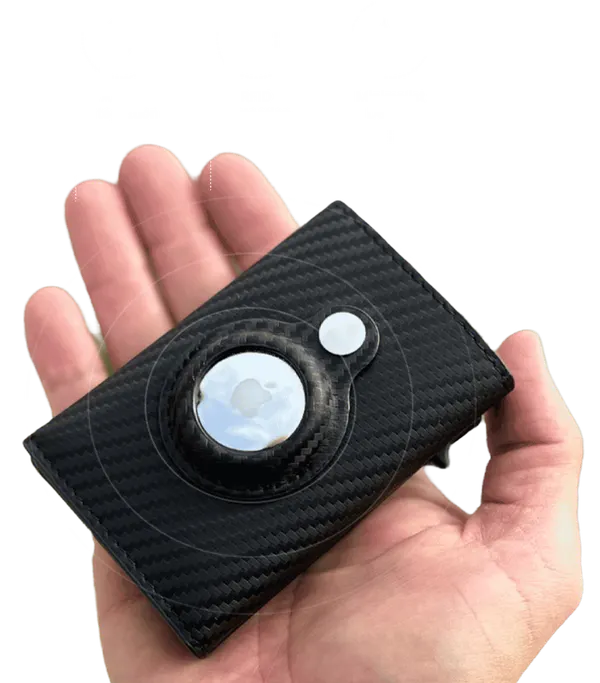
If you are still carrying a bulky leather wallet, the SafeTrack Wallet is the wallet we recommend — and this guide shows why: ten minutes of setup, then it simply works every day.
- Built-in AirTag slot so the wallet shows up in Find My, with left-behind alerts and sound (AirTag sold separately).
- Slide-to-access lever that fans your most-used cards out with one push.
- RFID blocking for contactless cards, in a rugged carbon fiber shell.
- Slim but roomy: 1 to 14 cards or IDs plus up to 20 bills, per the maker.
Pricing rewards bundles: 1 wallet is $44.95 (plus $4.95 shipping), 2 wallets are $79.90, 3 wallets are $105 ($35 each, free shipping, the most popular choice), 4 wallets are $140 ($35 each, free shipping) and 5 wallets are $165 — $33 each with free shipping. Every order is covered by a 90-day money-back guarantee. Read our full SafeTrack Wallet review for the details.
Frequently asked questions
How many cards should I put in the SafeTrack Wallet?
The maker states it holds 1 to 14 cards or IDs plus up to 20 bills. Start with only the cards you actually use: your two or three most-used cards in the slide section and the rest in the back section.
Is the AirTag included?
No. The wallet has a built-in, secure AirTag slot, but the AirTag itself is sold separately by Apple. Tracking works through Apple's Find My app on iPhone.
Which Find My setting matters most?
Notify When Left Behind. Open Find My, tap your AirTag and turn it on, so your iPhone alerts you when you walk away from the wallet.
Do I need an AirTag to use the wallet?
No. RFID blocking, the slide-to-access card lever and the slim carbon fiber shell all work without one. The AirTag adds map location, sound and left-behind alerts.
How do I take care of a carbon fiber wallet?
Wipe it with a soft, dry or slightly damp cloth and avoid harsh solvents. Do not overfill it beyond the stated capacity, and keep it in a front pocket or bag rather than sitting on it all day.